Lighting
Reinvented
Built with leading studios

Relight your photos
The light you imagined is now the light you can have.One click. No prompts. Infinite creative freedom.Inside Photoshop, or instantly on the web.
Vividon on the web
The full Vividon experience, in your browser. Nothing to install.
- Works on any browser, mobile or desktop
- Same relighting model and features
- No install. Free to try.
Vividon for Photoshop
If you already work in Photoshop, this is the one.
- Full-featured Photoshop plugin
- Saves relights to their own layer
- Stay in your current workflow
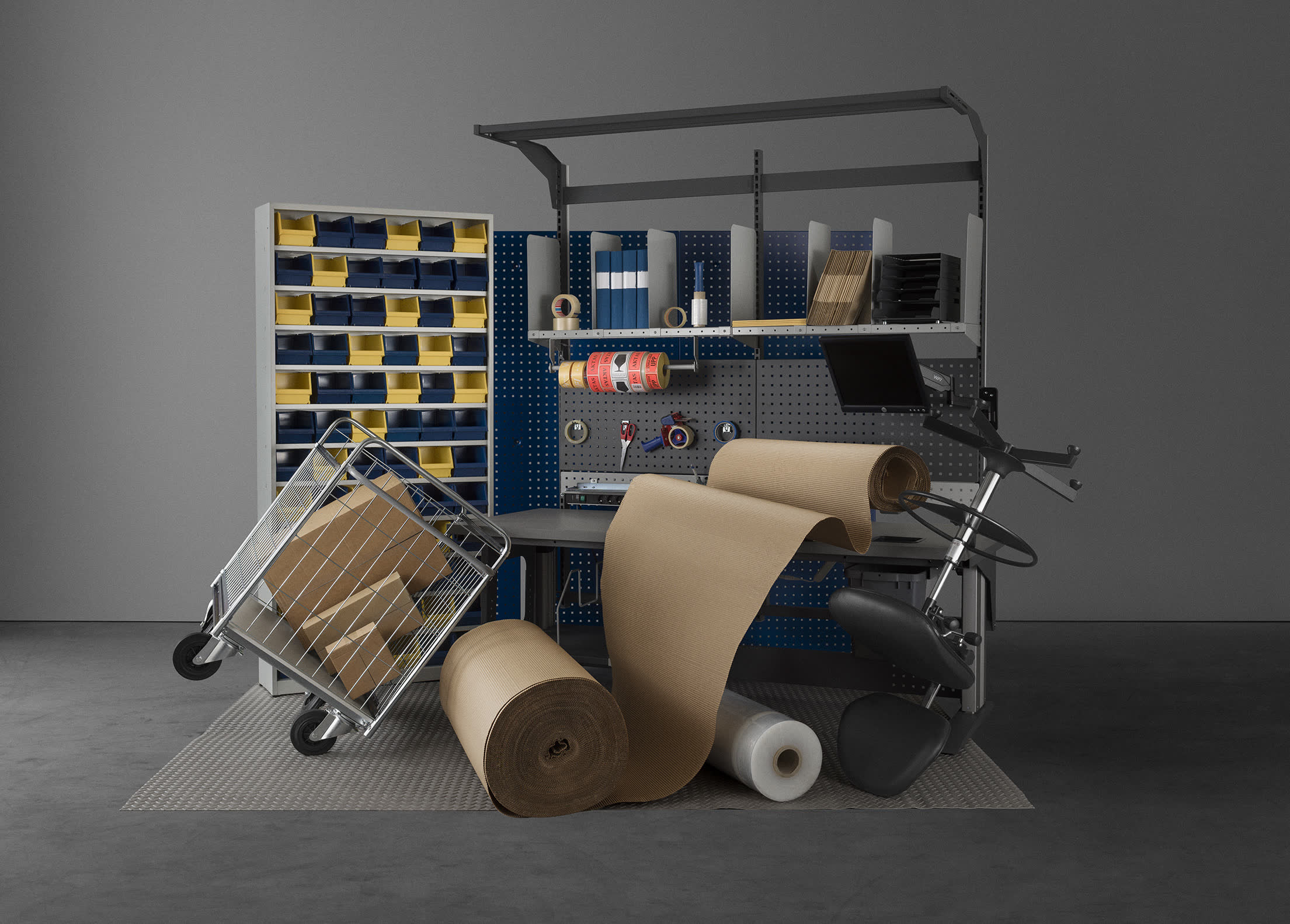
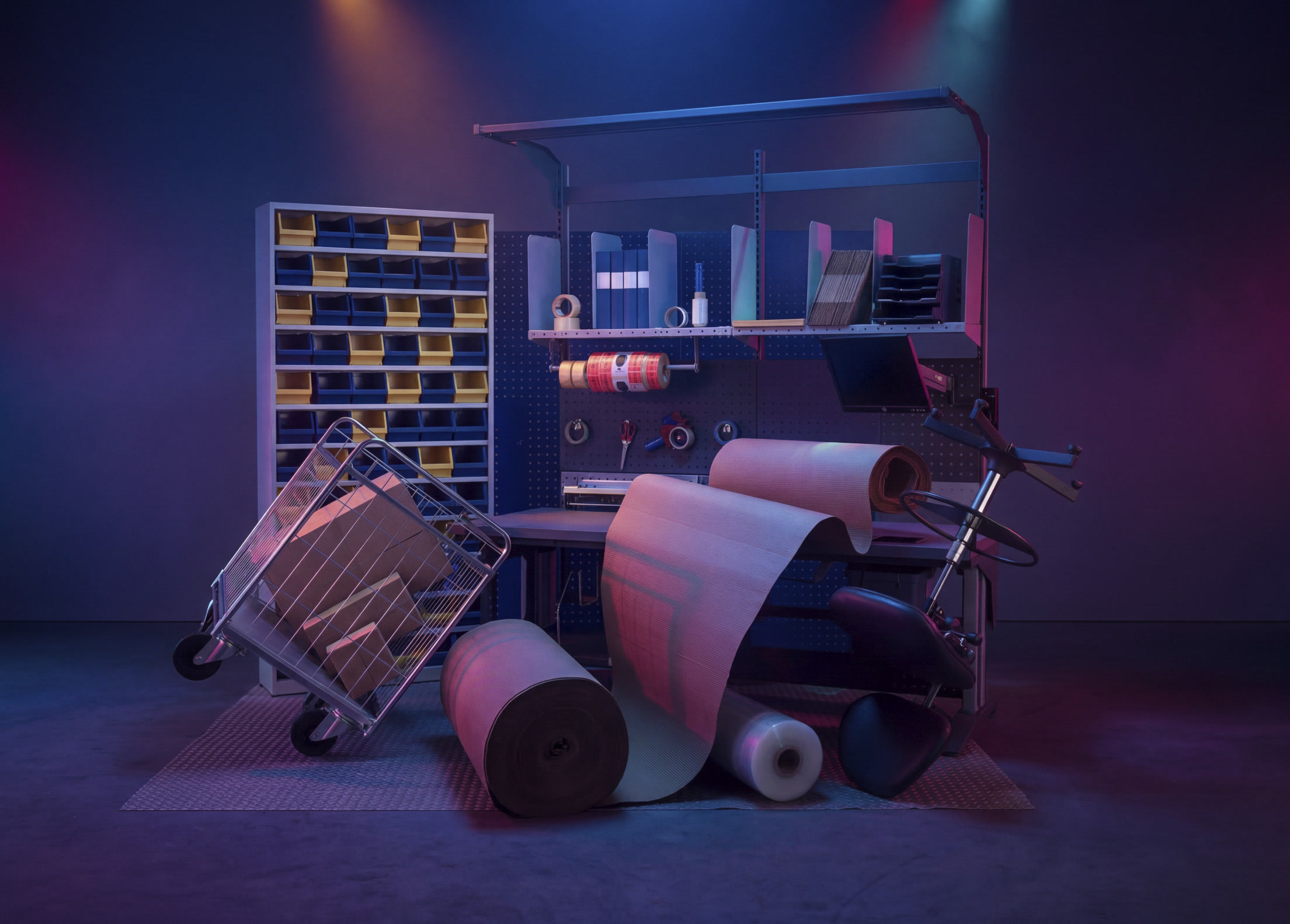
Click to relight
Limitless creative freedom
Match or invent any light
The best light you ever captured shouldn't be a one time thing. Match the light from any photo you love, or build something entirely new from scratch. Either way, it's yours to keep.
World-class curated lights
We spent decades on set learning what great light actually looks like. Now it's yours in a single click. 100+ studio quality presets crafted by some of the world's best retouchers and photographers, ready the moment inspiration is.
Save hours on every shoot
Time spent on lighting setups is time stolen from the work that matters. Relight anything in post, get exactly the look you imagined, and move on. What used to take hours now takes seconds.
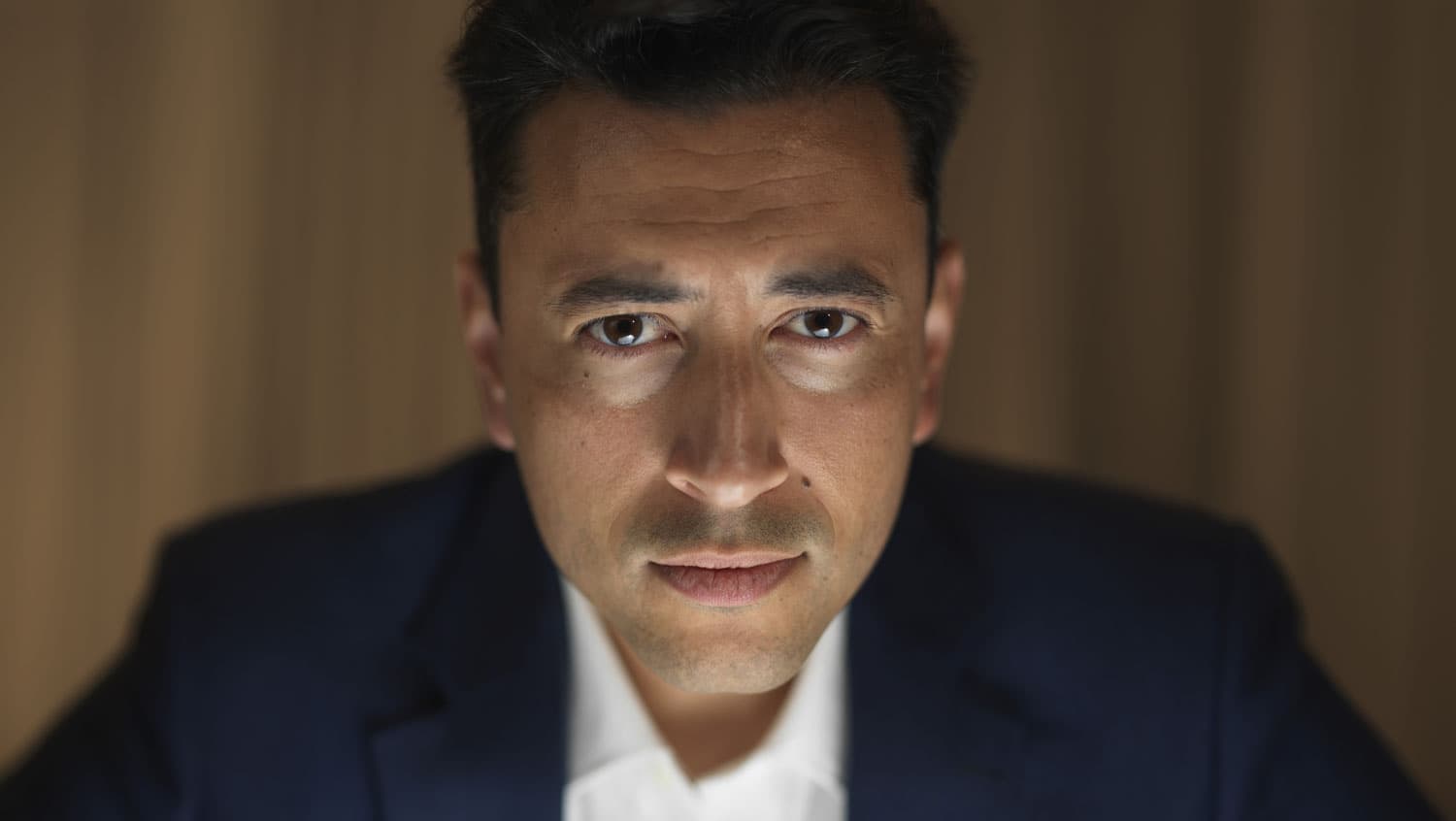
Roy Rossovich · Hasselblad Master · Los Angeles
Change the light after the shot, right inside Photoshop
Every relight on its own layer
Vividon places every relight on its own Photoshop layer. Adjust opacity, change blend modes, paint in or out exactly what you want, or remove it entirely. Your original always stays untouched.
Built for how you actually create
Your tools should adapt to your workflow, not the other way around. Choose from an extensive, and growing, library of curated lights developed by leading photographers and retouchers. Save your favorites, name them, and organize your own lights in folders built for real workflows.
AI without the prompts
Powerful tools should be intuitive. Use curated lights or match the lighting from any of your favorite images. The best AI models. No prompting, no friction. Just incredible results.
Try it for free - now also on the web
The best way to understand it is to use it. Start your free trial, no strings attached, no credit card required. Bring your own images to life with better light today.